> ## Documentation Index
> Fetch the complete documentation index at: https://docs.bezi.com/llms.txt
> Use this file to discover all available pages before exploring further.
# Edit Past Prompts
> Modify prompts after the fact to include new information or redirect Bezi's focus
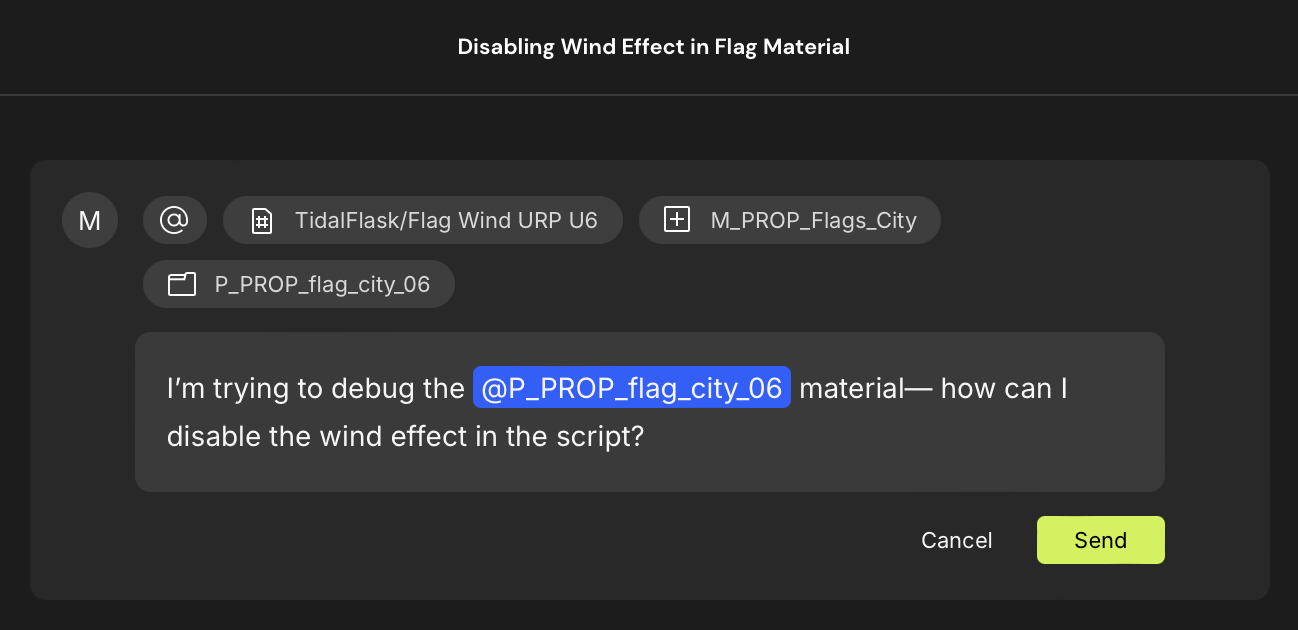
Dynamic prompt editing is designed to let you alter prompts after they're made, as you observe how Bezi responds to a prompt or realize critical information was left out.
**Please note:** Editing a past prompt in a thread will regenerate the edited prompt and erase any responses under it.
To edit a past prompt, hover over the prompt and click the icon that appears in the upper right corner. This will activate edit mode for the existing prompt so you can edit, then resubmit it.