> ## Documentation Index
> Fetch the complete documentation index at: https://docs.bezi.com/llms.txt
> Use this file to discover all available pages before exploring further.
# Prompt Guide
> How to prompt Bezi to get the best results.
These are tips and tricks for getting the best results from Bezi. Don't forget to switch between [Agent Mode](https://docs.bezi.com/bezi/modes/agent-mode) and [Ask Mode](https://docs.bezi.com/bezi/modes/ask-mode), depending on what type of response you want!
> **Pro tip**: Before you start prompting, create [Project Rules](https://docs.bezi.com/bezi/product/project-rules) to ensure specific context, instructions, or requirements are factored into every Bezi response.
If you have tried-and-true methods of your own, share them with fellow game devs in our [Discord server](https://discord.com/invite/UKWB46HTT9)!
## Things to do
### Identify the goal and describe results
Two ways to interpret this: first, on the prompt-to-prompt scale. Try to word your questions in terms of the endpoint you want to reach.
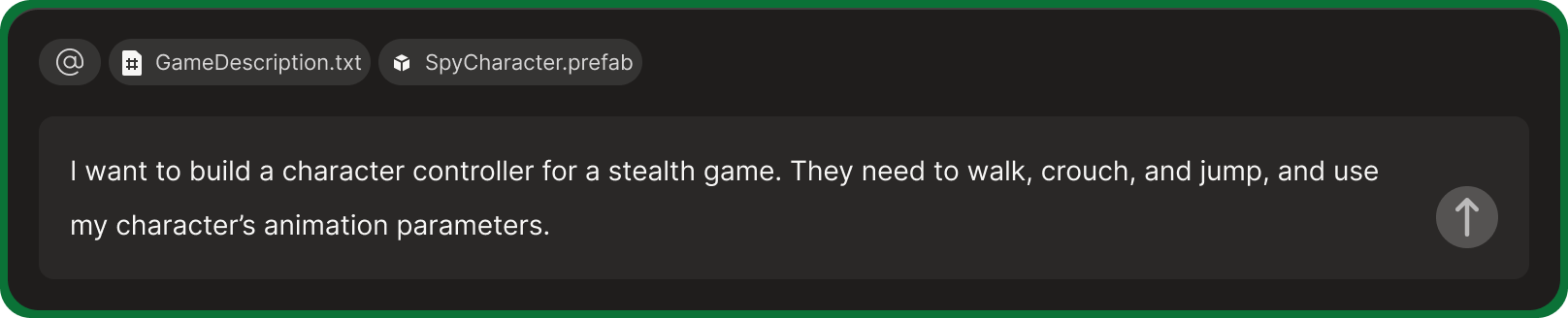 Second, on the project-wide scale. Use a Page to document key game information, such as your project's goal, a detailed description of your idea, design pillars, and more. Pin the Page(s) in any prompts/threads where such context will improve Bezi's suggestions and responses.
### Specify a role/persona
State the perspective and the level of expertise you want from Bezi. For example, “*Act as an expert*” vs. “*Explain X to a student*”, or “*I’m a level designer, trying do Y*.”
Second, on the project-wide scale. Use a Page to document key game information, such as your project's goal, a detailed description of your idea, design pillars, and more. Pin the Page(s) in any prompts/threads where such context will improve Bezi's suggestions and responses.
### Specify a role/persona
State the perspective and the level of expertise you want from Bezi. For example, “*Act as an expert*” vs. “*Explain X to a student*”, or “*I’m a level designer, trying do Y*.”
 ### Be specific
Add as much relevant information as you can/have. Think about **what keys to map to**, **what object you’ll attach them to**, **desired console**, **relevant pins**, etc. The clearer you are, the more likely it is that the result will match the idea.
### Be specific
Add as much relevant information as you can/have. Think about **what keys to map to**, **what object you’ll attach them to**, **desired console**, **relevant pins**, etc. The clearer you are, the more likely it is that the result will match the idea.
 ### Pin as much as possible!
If you know something is essential context, [pin it](https://docs.bezi.com/bezi/product/prompt-tagging) to ensure Bezi includes it from the start. This will help Bezi reach the best answer ASAP. Type **@** to search pins while in-line prompting, or select important information in Unity and click the pill(s) that appear above Bezi's prompt input field.
### Pin as much as possible!
If you know something is essential context, [pin it](https://docs.bezi.com/bezi/product/prompt-tagging) to ensure Bezi includes it from the start. This will help Bezi reach the best answer ASAP. Type **@** to search pins while in-line prompting, or select important information in Unity and click the pill(s) that appear above Bezi's prompt input field.
 ### Edit and iterate
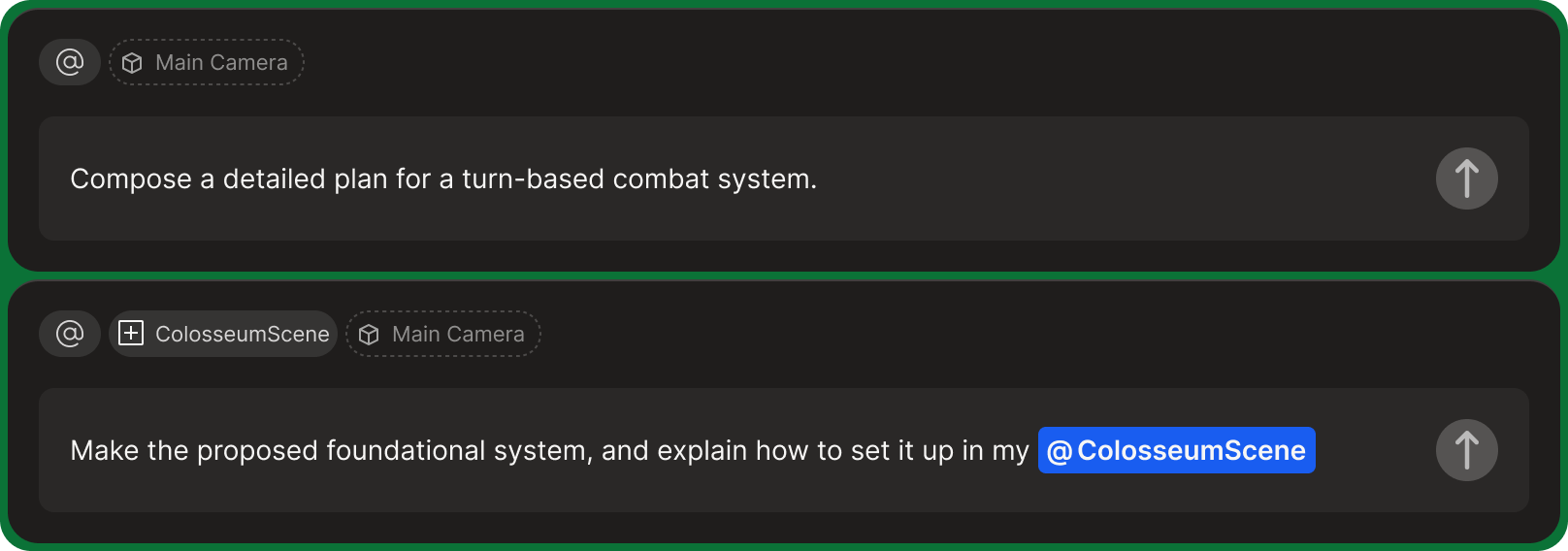
Simple informational asks can be combined into one prompt, but for asks that need larger outputs from Bezi, break down your idea into multiple prompts and build it up from the foundation to get the best results.
If a response doesn’t touch on what you need, **edit** the original message to set yourself back on the right path. If that still goes off track, the best way to get reset is to **start a new thread** and iterate from there.
### Edit and iterate
Simple informational asks can be combined into one prompt, but for asks that need larger outputs from Bezi, break down your idea into multiple prompts and build it up from the foundation to get the best results.
If a response doesn’t touch on what you need, **edit** the original message to set yourself back on the right path. If that still goes off track, the best way to get reset is to **start a new thread** and iterate from there.
 ***
## Things to avoid
### Fluff and anti-prompts
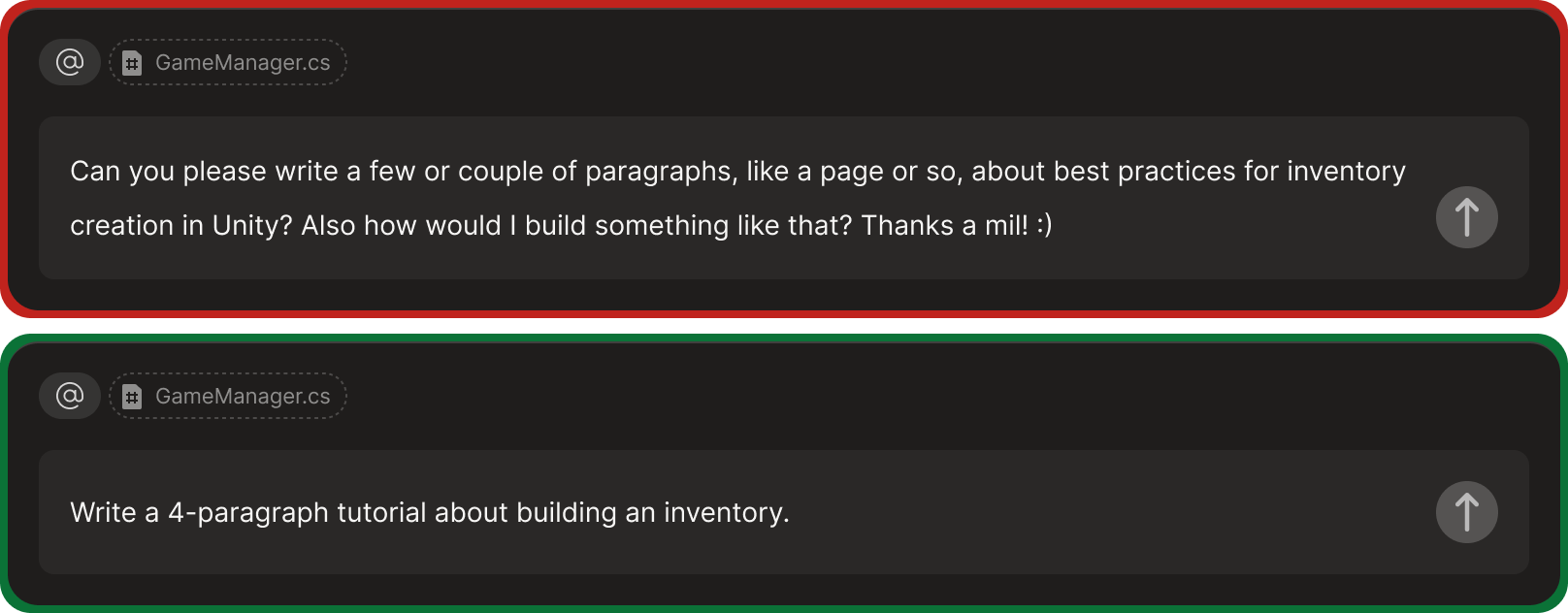
Don’t be overly wordy or polite, and don’t use words you wouldn’t want to see in Bezi's response. If you **need** to instruct Bezi to ignore something, use strong language like “***never***”.
Clear, organized prompts lead to better responses, so keep asks readable and concise.
***
## Things to avoid
### Fluff and anti-prompts
Don’t be overly wordy or polite, and don’t use words you wouldn’t want to see in Bezi's response. If you **need** to instruct Bezi to ignore something, use strong language like “***never***”.
Clear, organized prompts lead to better responses, so keep asks readable and concise.
 ### Overpacked prompts
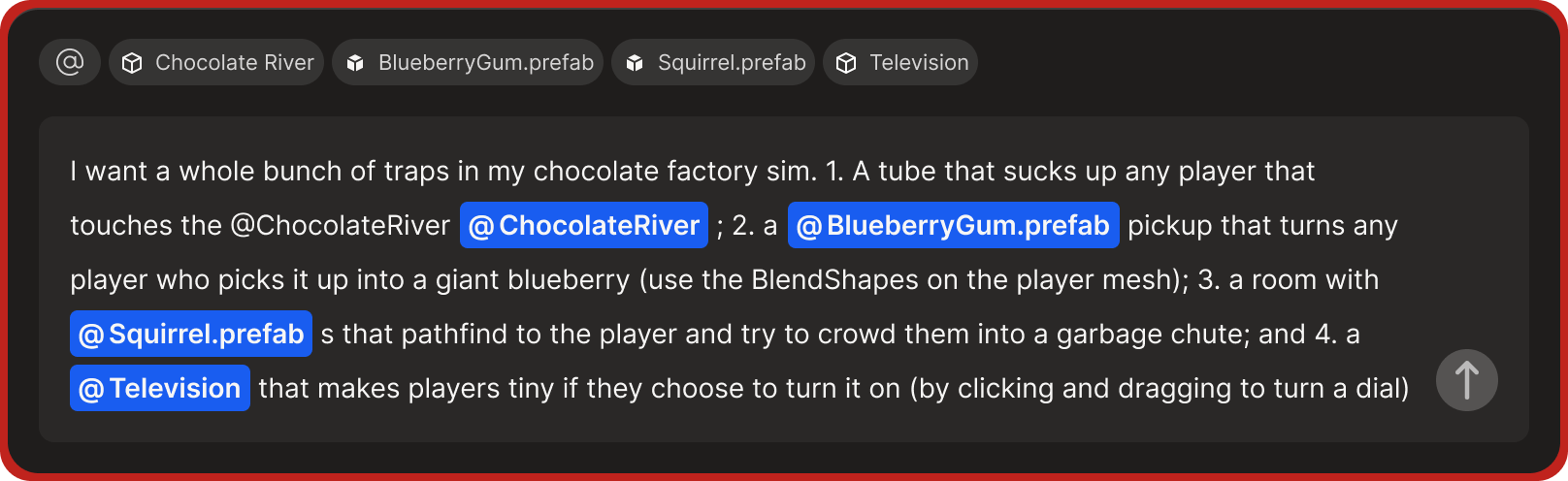
Too many processing steps can lead to disorganized, cluttered responses. For (a bad) example: “*first search for A, then search for B, then write C, then combine A and B, then finally make D*.”
Keep prompts thread-specific and, if you need to pivot, do so with a new prompt or thread.
### Overpacked prompts
Too many processing steps can lead to disorganized, cluttered responses. For (a bad) example: “*first search for A, then search for B, then write C, then combine A and B, then finally make D*.”
Keep prompts thread-specific and, if you need to pivot, do so with a new prompt or thread.
 ### Repetition
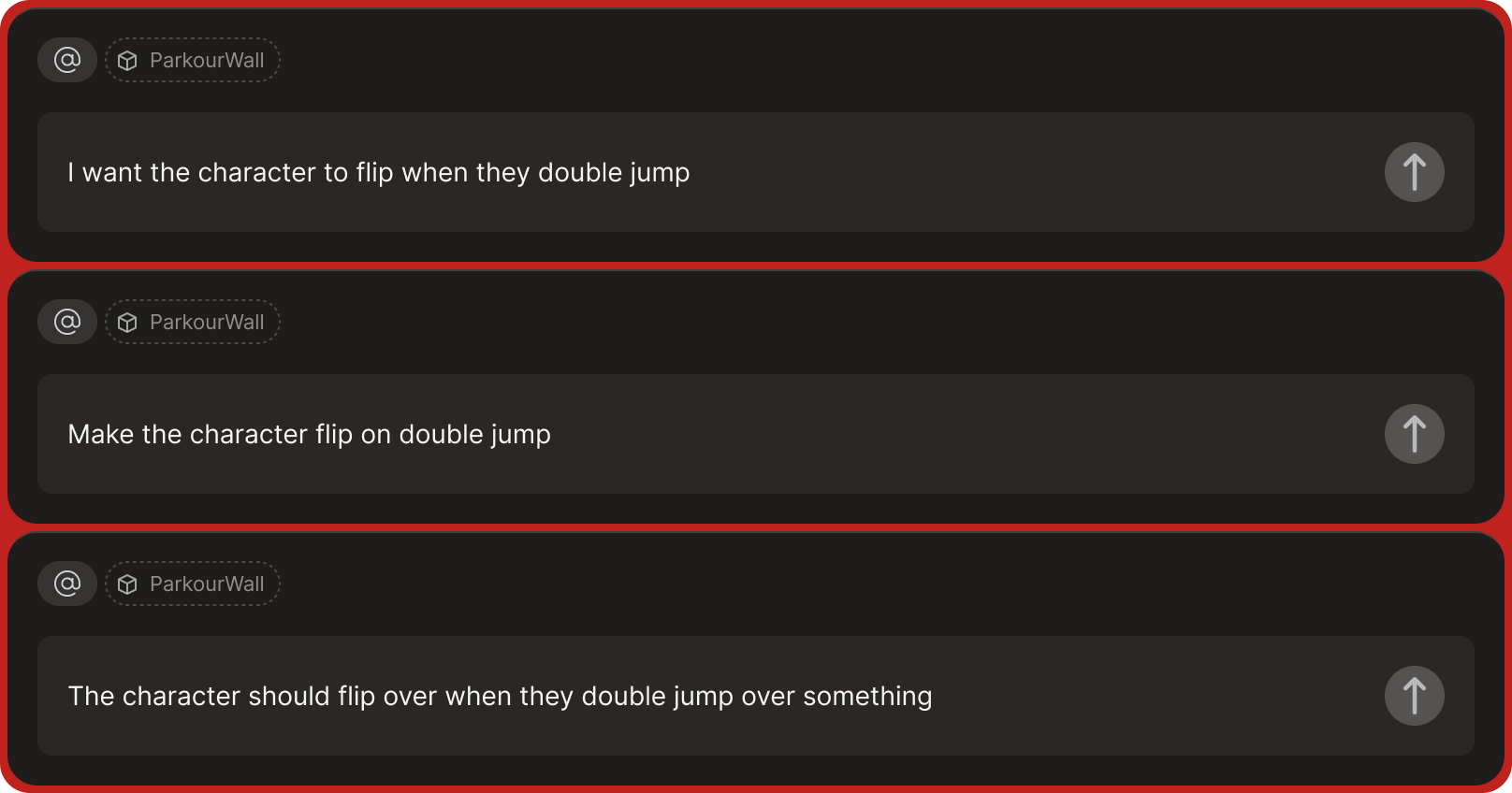
Don’t prompt the same question multiple times. Results are dependent on gathered context, so if you’re not getting the response that you need from a prompt, repeating it is unlikely to get you a better result. Instead, **edit** the prompt to add more context or information or start a new thread with the rephrased prompt for a clean slate.
### Repetition
Don’t prompt the same question multiple times. Results are dependent on gathered context, so if you’re not getting the response that you need from a prompt, repeating it is unlikely to get you a better result. Instead, **edit** the prompt to add more context or information or start a new thread with the rephrased prompt for a clean slate.
 ### Old or irrelevant pins for new prompts
Bezi doesn't reset pins when you start a new prompt, so check that all pins are still revant to your prompt before posting. Bezi prioritizes what's pinned, so unrelated pins can take a thread down the wrong path.
### Old or irrelevant pins for new prompts
Bezi doesn't reset pins when you start a new prompt, so check that all pins are still revant to your prompt before posting. Bezi prioritizes what's pinned, so unrelated pins can take a thread down the wrong path.
