What can Plan Mode do?
Plan Mode is best for working on medium-to-complex tasks, which benefit from being broken into structured steps before building.- Improve accuracy of complex tasks with multiple steps or dependencies
- Get more predictable or repeatable results
- Get more work done (giving Bezi approved steps to execute on independently)
- Clarify work and requirements before Bezi starts updating a project
- Small, exploratory tasks with frequent iteration
- Document background information, guidelines, or multiple deliverables (use Pages)
- To plan an entire game and press build
How to use Plan Mode
Plans should be clear, concise, and implementation-ready. Ask follow-up questions to clarify requirements and prompt to edit the plan until you’re pleased with the results. When the plan is ready:- Click
Build - A new Agent thread will be created, using the plan as the initial prompt
- The plan will be auto-saved in the Plans section for future reference
How to enter Plan Mode
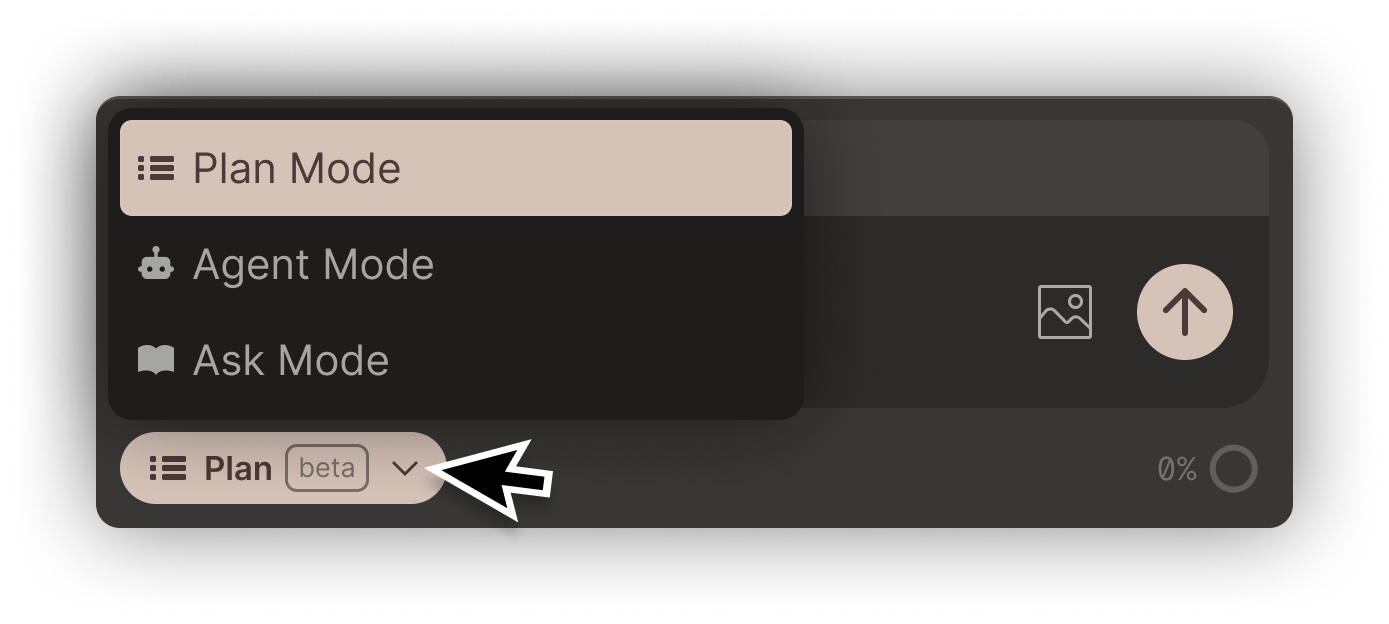
Select the mode dropdown (below the prompt textbox) and select Plan. When you’re in Plan Mode, it will look like this: