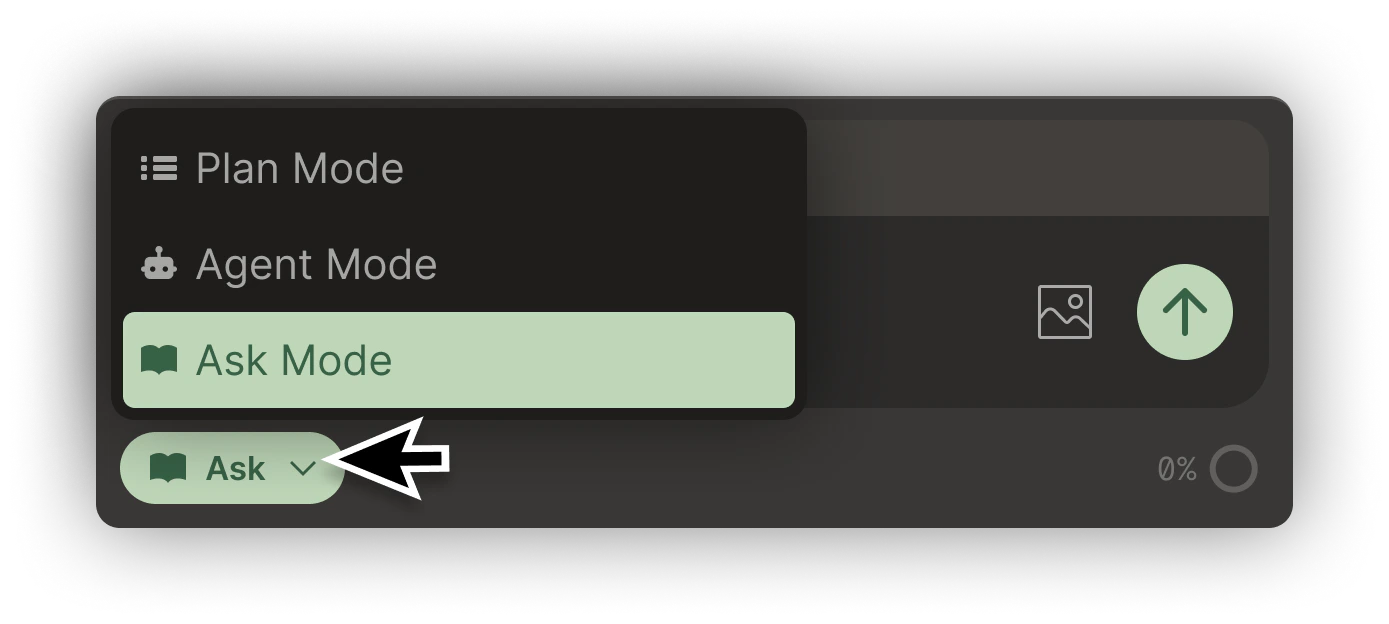
Ask Mode is Bezi’s informational setting. It serves as an Unity project’s core knowledgebase, it can be prompted to provide information and cannot take action on your behalf.Ask Mode cannot directly implement anything on your behalf in Unity, while Agent Mode can. Consider Ask Mode as manual implementation and Agent Mode as automatic implementation.
In Ask Mode, Bezi can respond with information, tutorials, and code snippets (that must be implemented by you via copy/paste) to walk you through an implementation or explain a concept.All Ask Mode responses are customized to whatever is in your Workspace at a given moment.