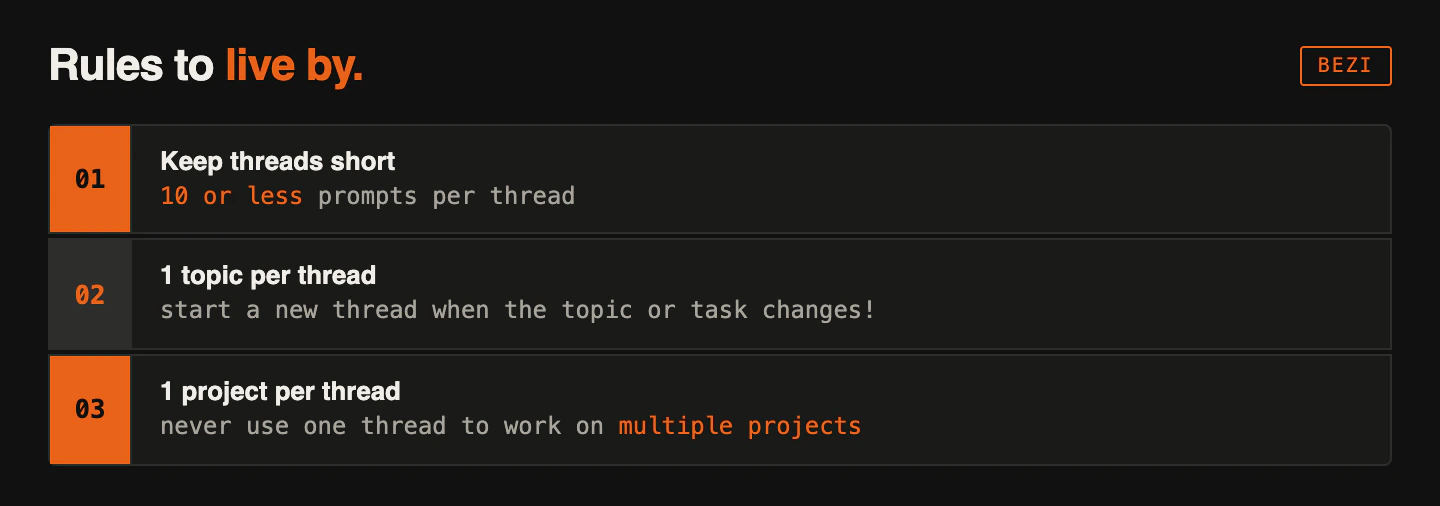
Threads are how you interact with your Bezi agent. They belong to a Workspace, write to the target project and pull context from multiple places. Using threads correctly is very important.
How Threads gather and manage context
- The thread’s own prompt and response history (it cannot access other thread’s histories)
- All active Workspace Connections; Unity projects and local data sources you’ve connected. Target project context will have more emphasis placed on it.
- Pages, both private and shared (if you’re in a team workspace)
Monitor the thread’s context window tracker (bottom right of the prompt field). Lower context windows = better results and fewer credits used per prompt.
If the context window is high, disable unnecessary Connections or start a new thread.
How Threads interact with the Workspace
Threads are stored at the Workspace level, not the project level. This means that the Threads list shows every thread you’ve created, across every project in a given Workspace.
When you switch Workspaces, the Threads list will only show threads that belong to the new Workspace.
How Threads interact with Unity projects
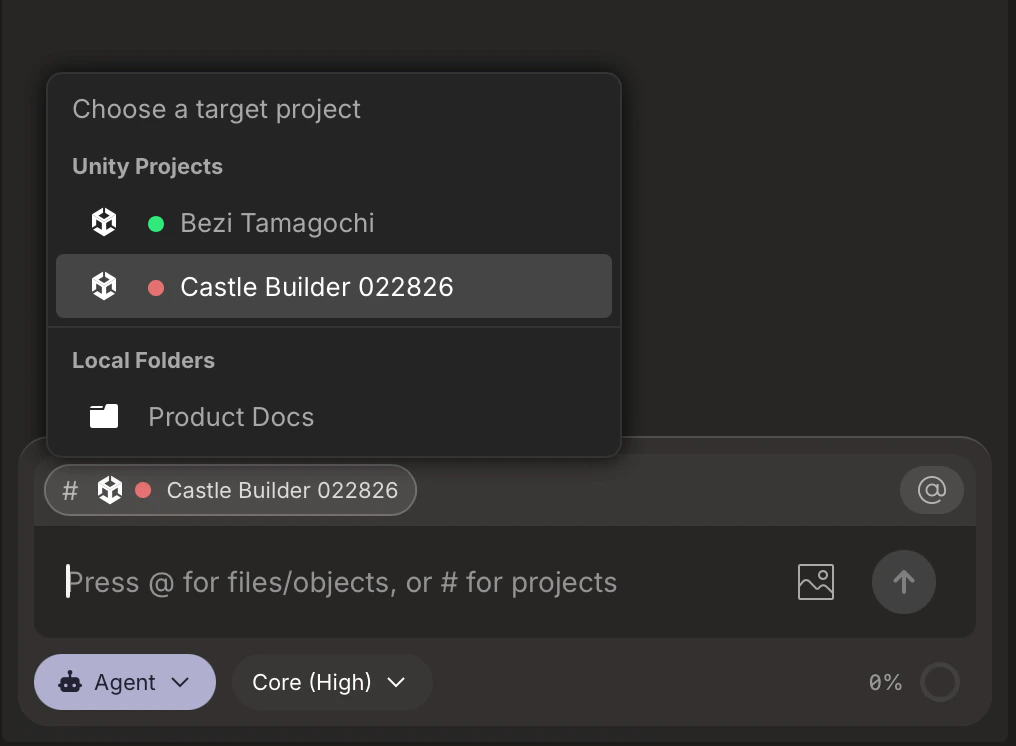
For every new thread, you assign target project. This tells the Bezi agent which Unity it will make edits and use for primary context. Click the Project selector to select a target project from your Connections.
Do not change a thread’s target project once you’ve prompted in that thread. This leads to unexpected behavior and changes.
Threads navigation
Everything Threads-related lives in the right sidebar, i.e. the ‘Threads window’. This is where you create new threads, access old threads, and manage all threads associated with a Workspace.
Open the Threads dropdown in the right sidebar to see a list of your past threads in the current Workspace. Each entry shows the thread name and its target project so you can quickly identify what you were working on.
From this menu you can:
- Open a past thread to continue where you left off
- See which target project each thread is associated with
- Delete threads you no longer need
If you can’t find a specific thread, confirm that you’re looking in the right Workspace.

.png?fit=max&auto=format&n=X_-ZSQnJI6YBKjZV&q=85&s=3ce2dc32527023e6b9bab7d4b257d1cc)